
Sulphur 2 uncensored AI video generator
Sulphur 2 is an uncensored AI video generator for text-to-video, image-to-video, prompt enhancement, and creator-focused video workflows.
Turn prompts, images, and creative references into cinematic clips for ads, storyboards, social content, and fast visual exploration.
Create uncensored AI videos with prompt-enhanced workflows
from 99+ happy users
Sulphur 2 overview
Understand Sulphur 2 before you generate
Sulphur 2 is more than a one-click video form. It sits in the world of open-weights video models, the LTX 2.3 ecosystem, ComfyUI-style workflows, and prompt-enhanced creation, giving creators a practical way to explore AI video from text, images, and references.
Model context
Open weights and the LTX 2.3 ecosystem
Creators often discuss Sulphur 2 alongside LTX 2.3, open-weights video models, and local generation workflows. This site turns that direction into an easier online creation entry point.
Core workflows
Text, image, and reference-guided video
Start from a prompt, an initial image, or multiple references to generate short video concepts, shot drafts, product scenes, storyboard directions, and social video clips.
Prompt enhancement
Turn rough ideas into generation-ready prompts
Sulphur 2 workflows reward structure: subject, action, camera, lighting, aspect ratio, and style cues make AI video results easier to control.
Boundaries
Uncensored does not mean rule-free
Uncensored here means broader creative exploration and prompt space. Users remain responsible for applicable law, platform policies, copyright, likeness rights, and other third-party rights.
See Sulphur 2 in Action
Explore how Sulphur 2 turns prompts, images, and creative references into AI video clips for uncensored concepts, cinematic scenes, ads, and storyboard exploration.
Uncensored Creative Concepts
Use Sulphur 2 to explore bold visual ideas, stylized scenes, and experimental video directions without boxing the prompt into a narrow template.

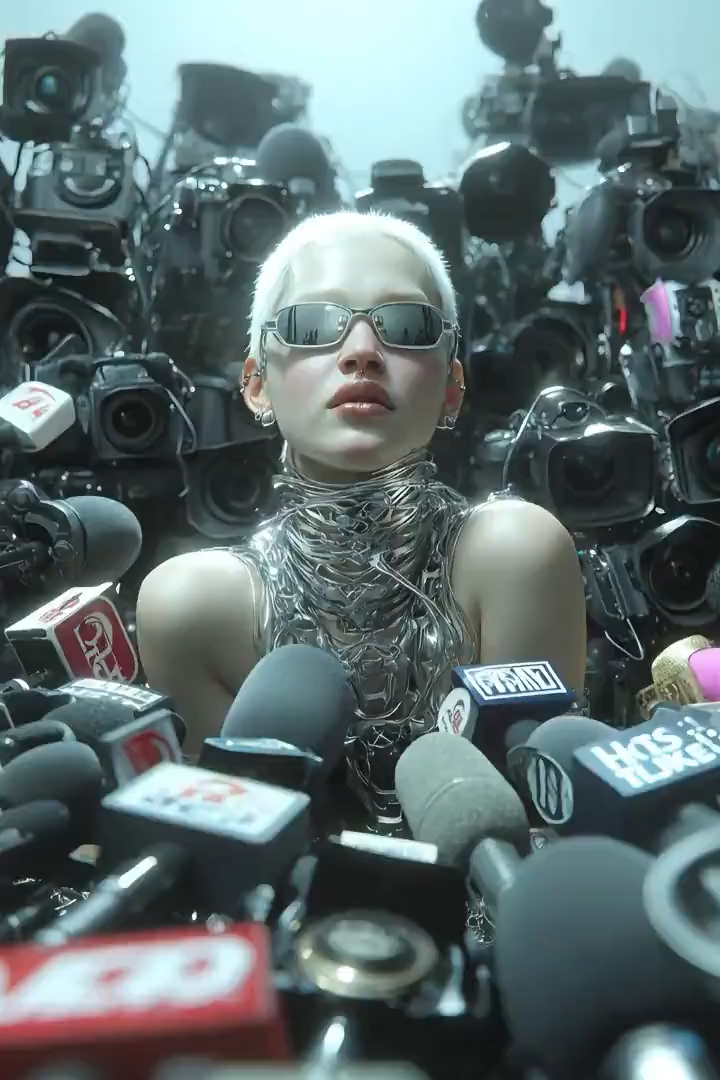
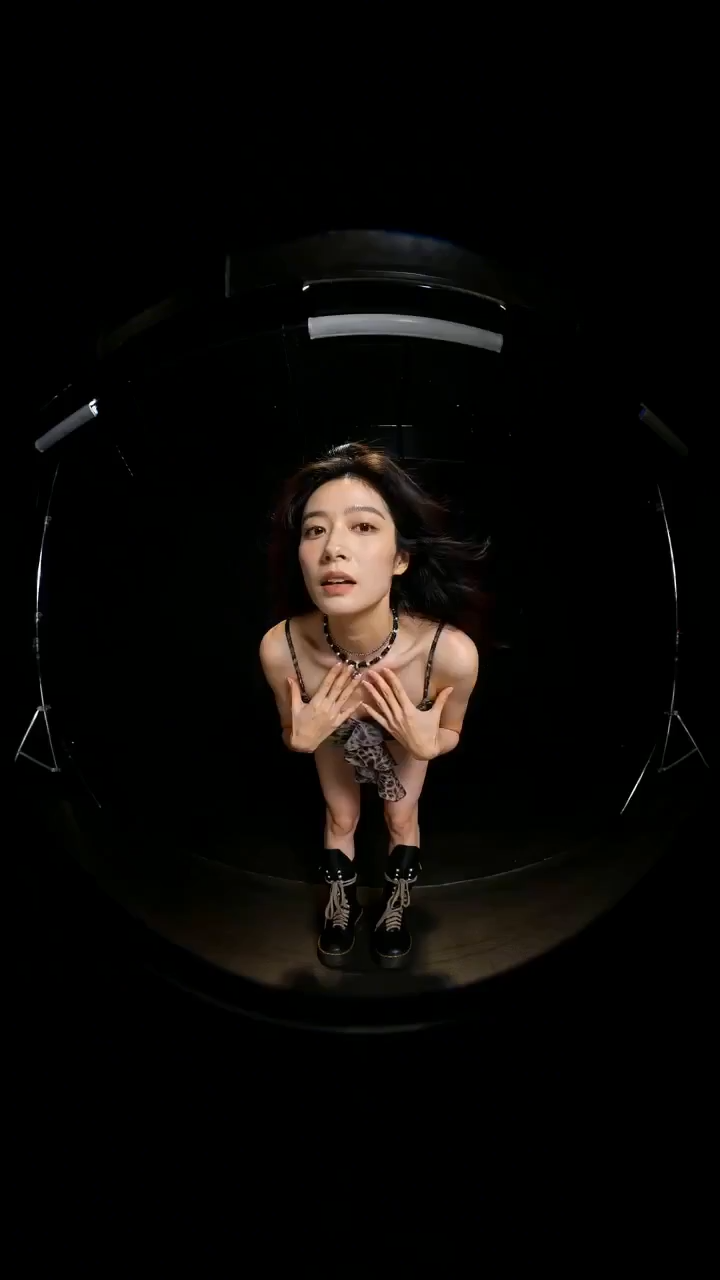
“Create a stylized fashion walk with crisp text overlays, quick flash transitions, a wide-angle lens look, and a confident editorial mood.”
Text-to-Video Scenes
Write a scene, define the action and camera move, then generate a short video clip for fast concept validation.

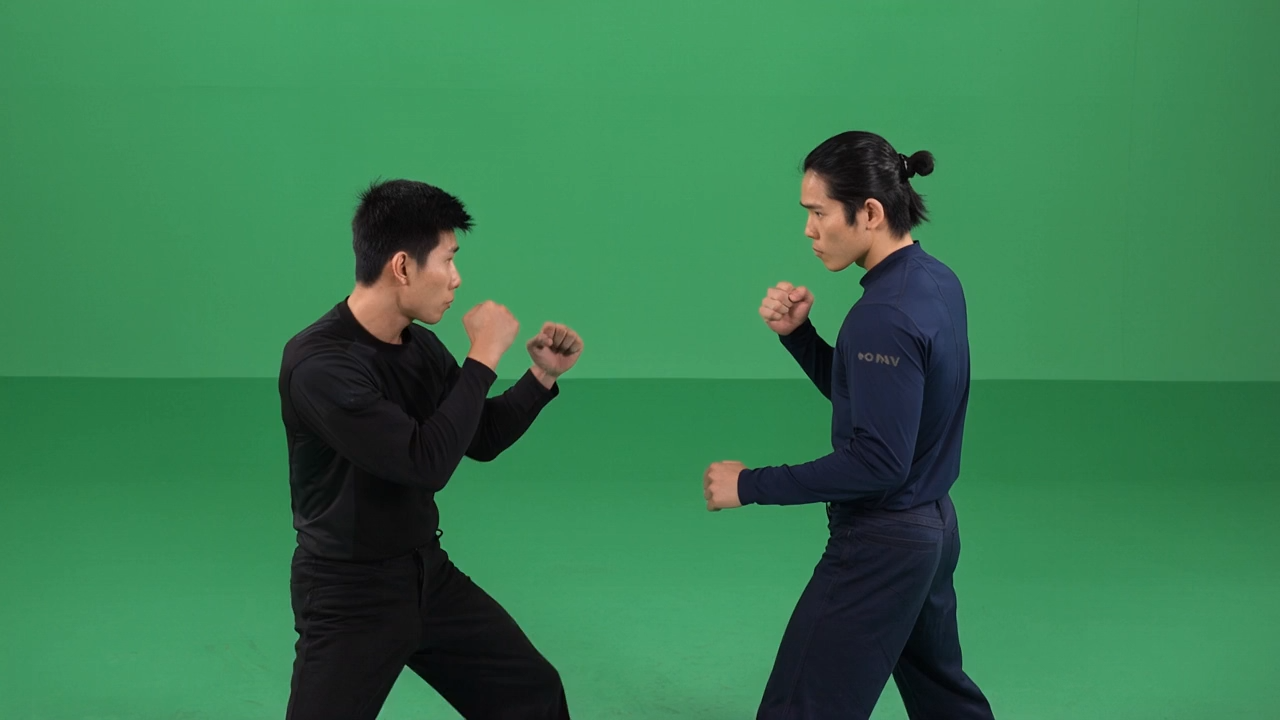

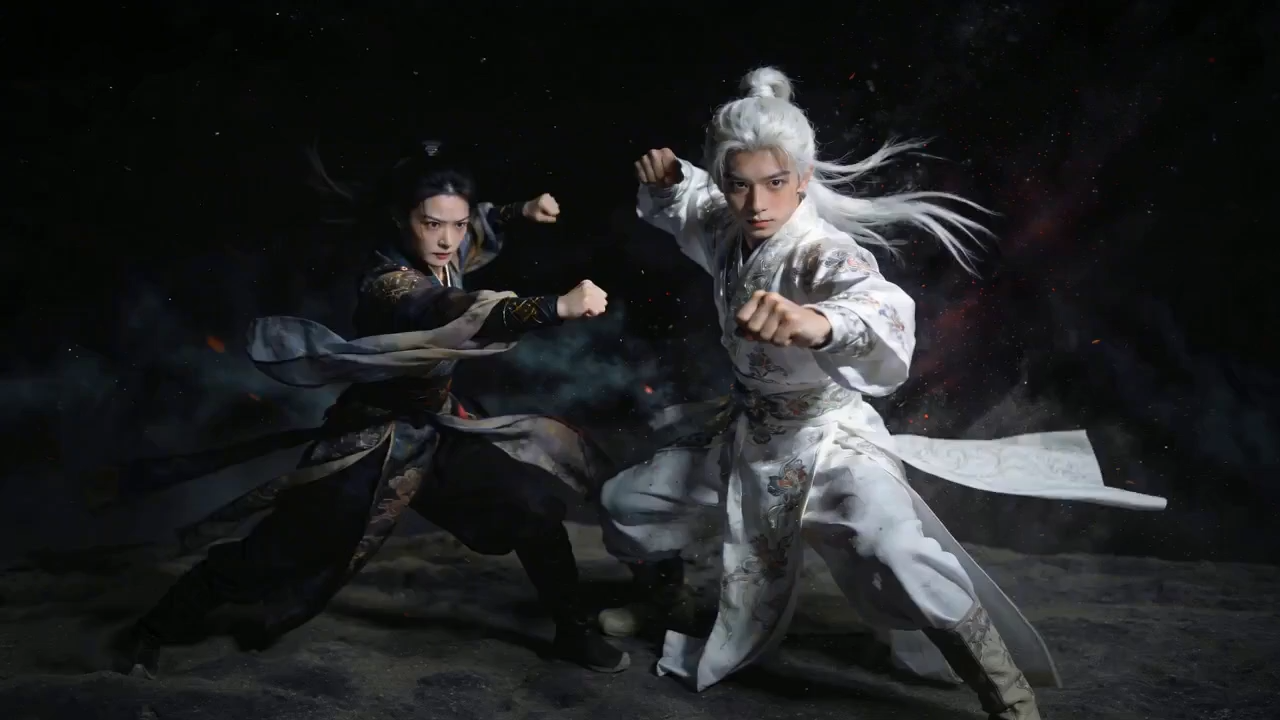
“Generate a cinematic night action scene with orbiting camera movement, dramatic dust, strong silhouettes, and controlled character motion.”
Image-to-Video Animation
Start from a reference image and animate it into motion while keeping the subject, styling, and composition recognizable.



“Animate the reference image into a playful short clip with clear subject motion, dynamic camera framing, and a clean ending title card.”
Character and Camera Direction
Combine character action, lens language, and shot rhythm to shape a more cinematic AI video result.

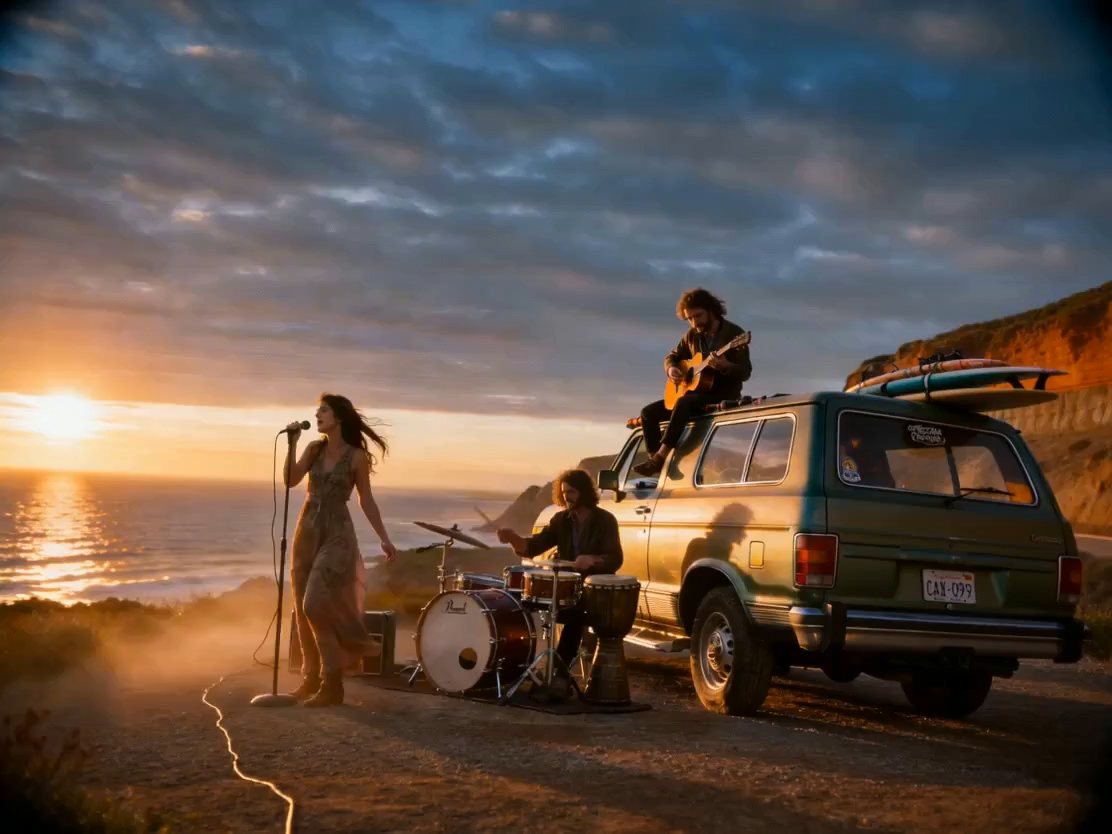
“Create a premium travel shot with golden-hour light, wind movement, subtle film grain, and a slow cinematic camera push.”
Prompt Enhancer Workflow
Turn rough ideas into richer production prompts with better detail, motion cues, lighting direction, and visual style.

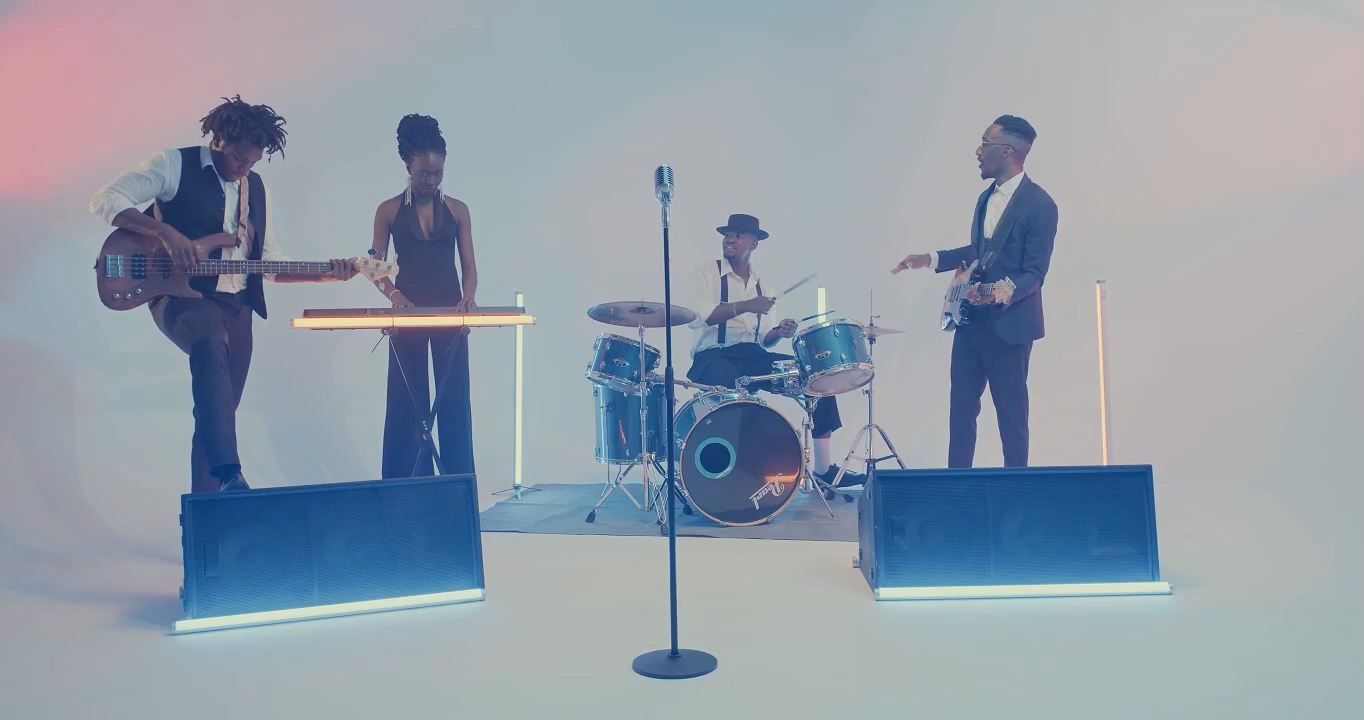
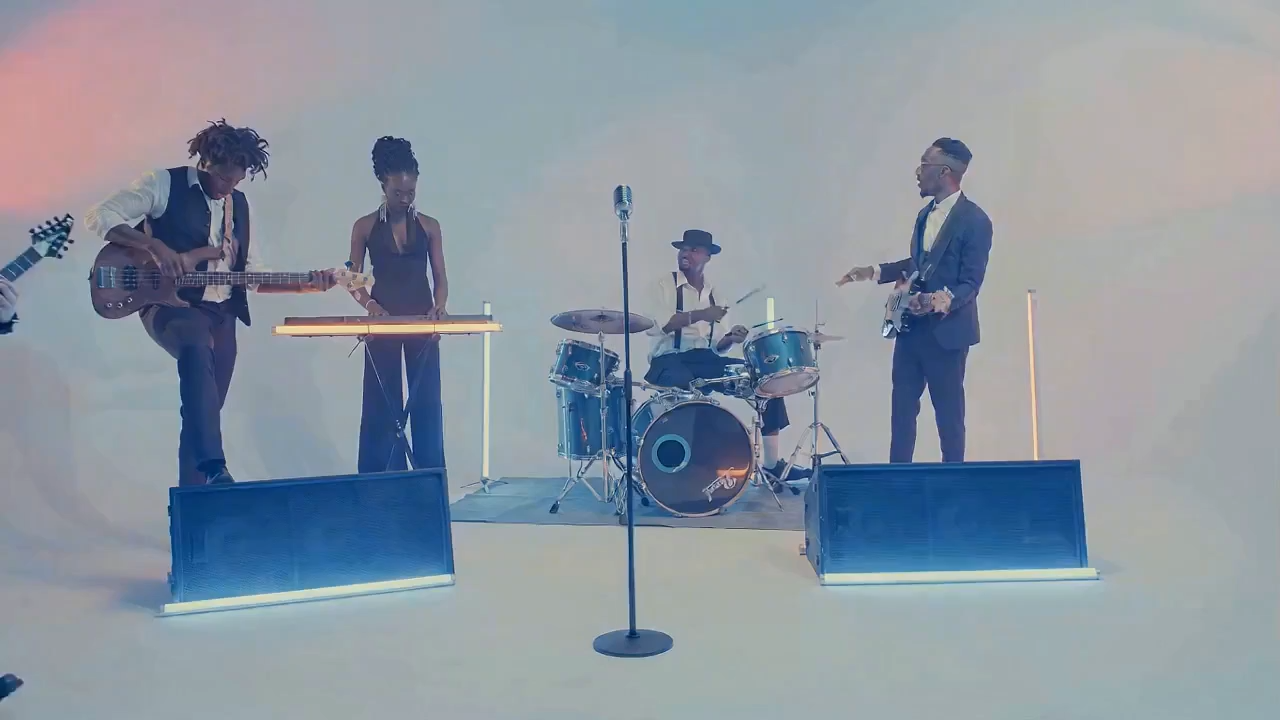
“Enhance this rough idea into a detailed video prompt with subject action, lighting, motion cues, lens language, and visual style.”
Cinematic Social Clips
Create short-form videos for posts, hooks, ads, trailers, and fast campaign testing.
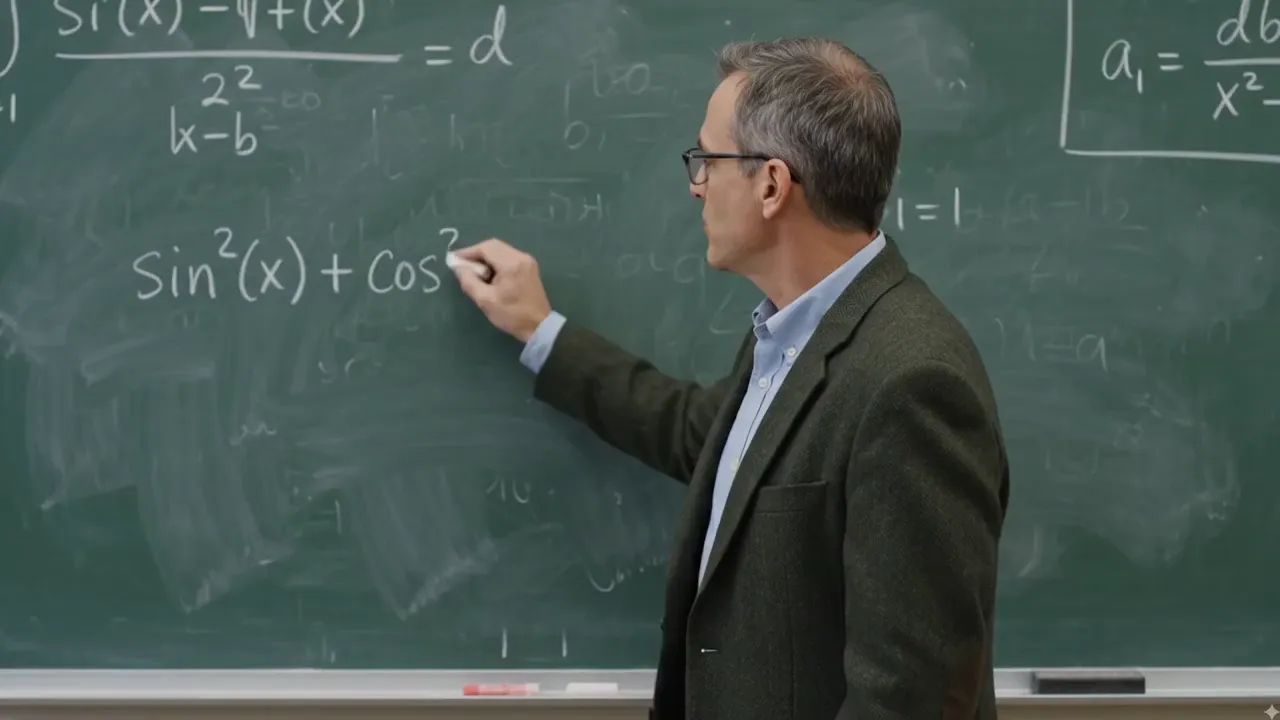
“Generate a clean educational explainer scene with a teacher at a chalkboard, readable formulas, and stable camera framing.”
Product and Ad Mockups
Generate product shots, campaign concepts, and commercial-style video drafts before committing to full production.


“Create a commercial product concept video with polished lighting, smooth camera movement, and a short social-friendly hook.”
Storyboard Exploration
Move from a rough idea to a sequence of visual directions for pitches, moodboards, and pre-production planning.


“Turn this concept into storyboard-style video directions with a clear opening shot, middle action, and final hero frame.”
ComfyUI-Style Creator Workflow
Use Sulphur 2 as part of a creator-friendly workflow inspired by open video models and node-based experimentation.
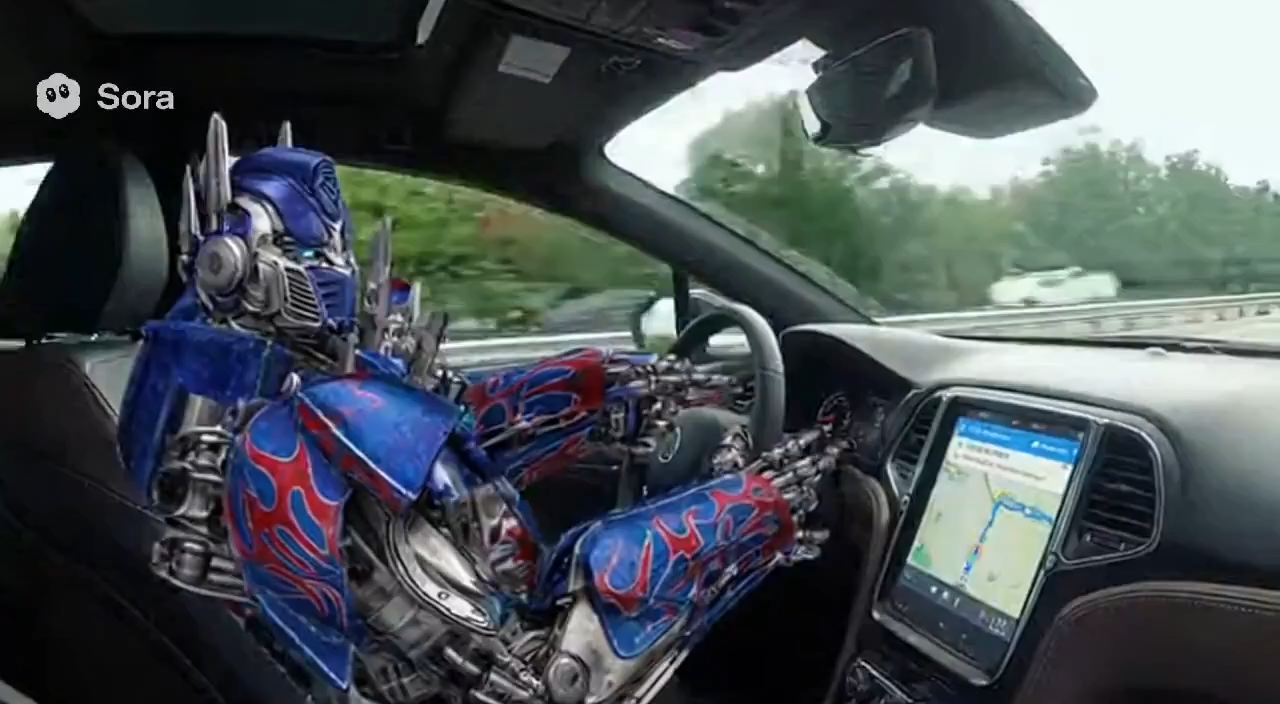
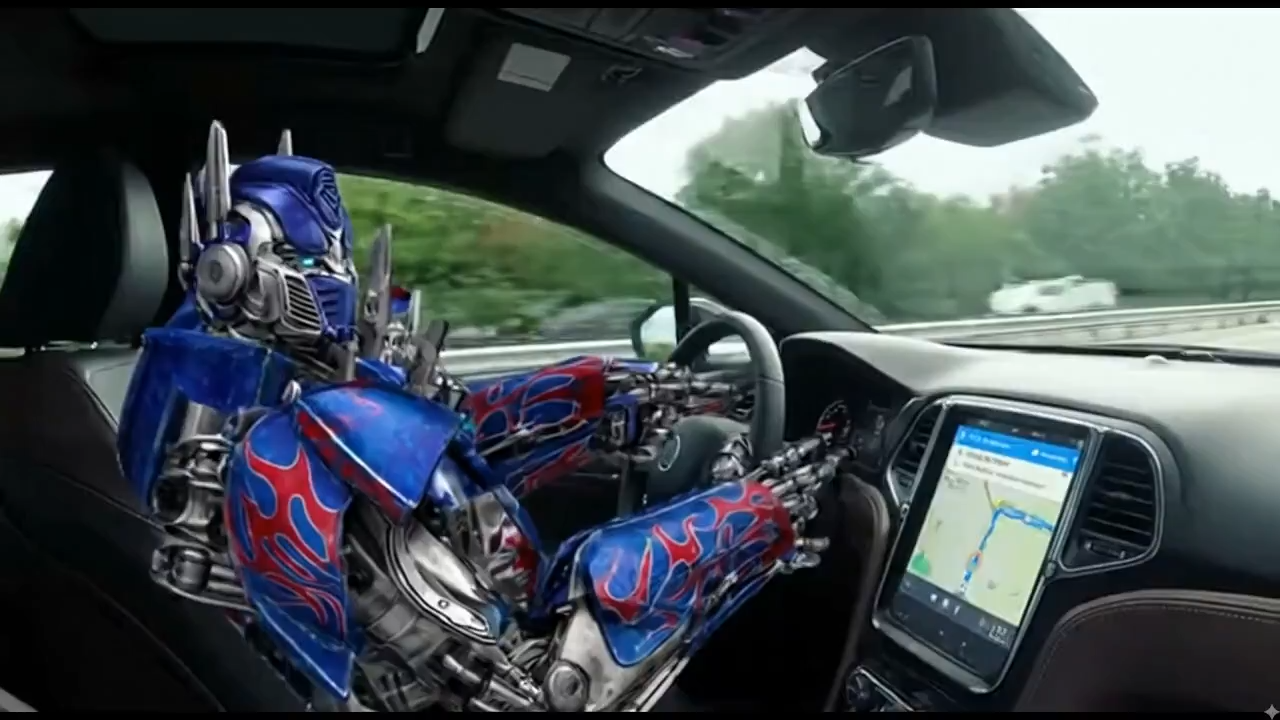
“Create a ComfyUI-inspired creator workflow demo with node-based experimentation, visual references, and a polished AI video result.”
Why Creators Use Sulphur 2
Sulphur 2 gives creators a focused AI video workflow for uncensored concepts, prompt-guided motion, and fast text-to-video or image-to-video experiments.
Uncensored AI Video Generation
Explore bolder visual ideas with a creator-first AI video generator built for open-ended prompts and fast iteration.
Text-to-Video Workflow
Describe a scene, camera direction, style, and mood, then turn the prompt into video-ready motion concepts.
Image-to-Video Animation
Animate reference images into short video clips while preserving the subject, composition, and visual direction.
Prompt Enhancement
Use enhanced prompts to improve clarity, visual detail, motion language, and cinematic direction before generation.
Reference-Guided Motion
Guide characters, products, environments, and camera movement with visual references and structured creative inputs.
Creator-Friendly Output
Generate clips for social posts, ads, moodboards, product concepts, storyboards, and rapid creative testing.
Built for Sulphur 2 Creators
for uncensored AI video generation, prompt-enhanced workflows, and fast creative testing.
Text-to-video
99+
Workflow
Image-to-video
5+
Workflow
Prompt-enhanced
5
Creation
What Creators Say About Sulphur 2
Feedback from creators and teams using Sulphur 2 for AI video concepts, prompt iteration, and visual exploration.

Sarah Johnson
Digital Artist
Sulphur 2 helps us turn rough campaign ideas into video drafts quickly. It is useful for testing hooks, scenes, and visual direction before production.

Mike Rodriguez
Marketing Designer
The prompt-first workflow makes creative iteration faster. We can try different camera moves, styles, and scene directions without rebuilding the whole concept.

Emma Chen
Content Creator
As a content creator, Sulphur 2 gives me a practical way to move from a loose idea to short-form video concepts for social posts and storyboards.

Alex Thompson
Freelance Designer
Reference-guided generation gives our team more control than a simple prompt box. We can shape subject, motion, and tone with much less guesswork.

Lisa Wang
Social Media Manager
Sulphur 2 is useful for fast creative testing. Our team can explore product scenes, ad drafts, and visual treatments before spending production time.

David Kim
Creative Director
The Sulphur 2 workflow feels built for creators who want speed, flexibility, and direct prompt control across text-to-video and image-to-video ideas.
Start Creating with Sulphur 2 Today
Turn prompts, images, and rough ideas into AI video clips with Sulphur 2.